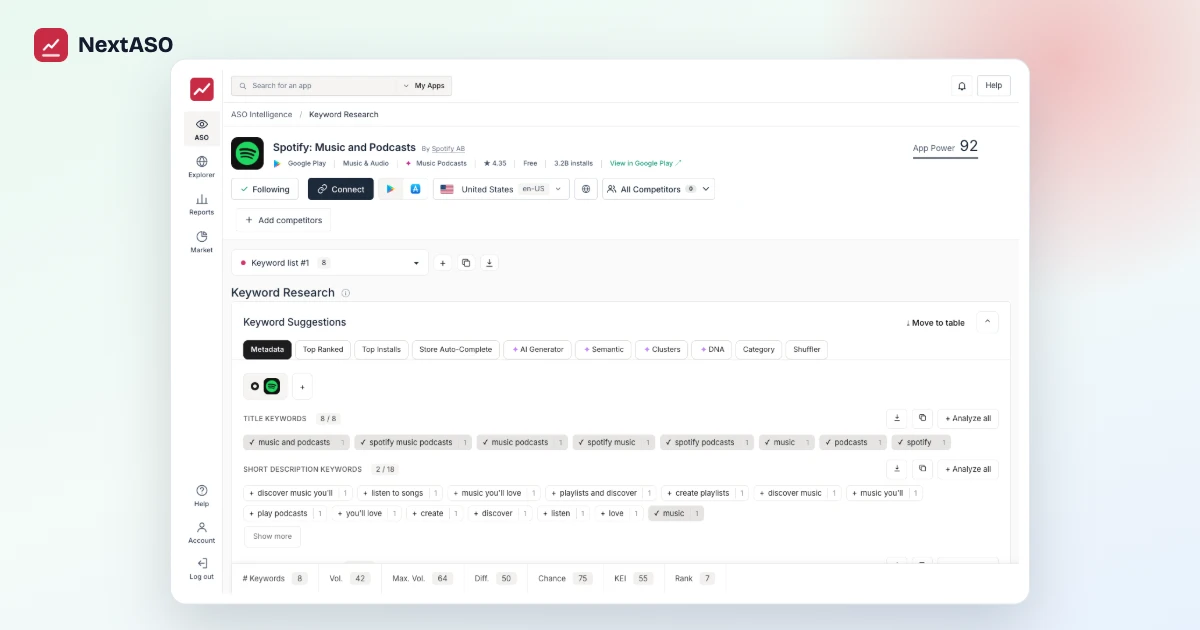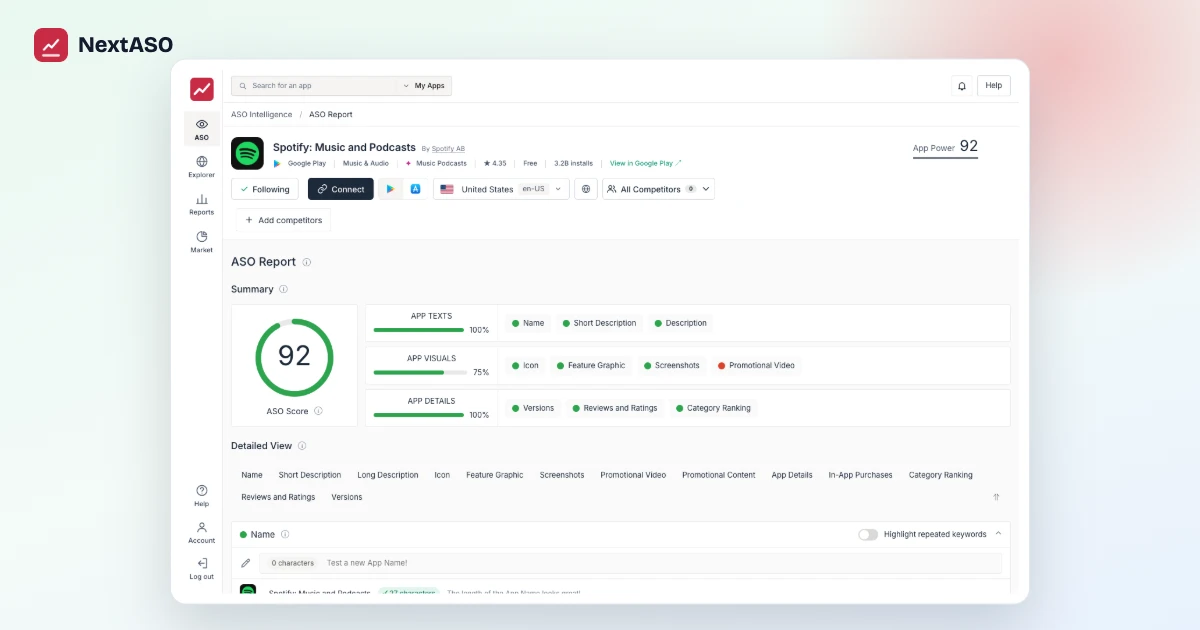
NextASO now shows monthly downloads and revenue estimates for iPhone apps, next to Google Play. Open any App Store app and see how many people download it, how much it earns, and how its listing scores, all on one screen.
How many downloads does that app get? How much does it really make? Until now, those were the two questions app makers asked us most about the App Store.
Today, the answer is one click away:
- 📥 Monthly downloads for any iPhone app, worldwide
- 💰 Monthly revenue from the App Store
- ⭐ Rating, number of ratings and app size
- 📋 The app's ASO score, right next to the numbers
See it on a real app: Brainrot
Brainrot: Screen Time Control is a productivity app made by a solo founder who wanted to fix his own phone habit. It turns your screen time into a little cartoon brain that looks worse the more you doomscroll.
Here is Brainrot in NextASO:
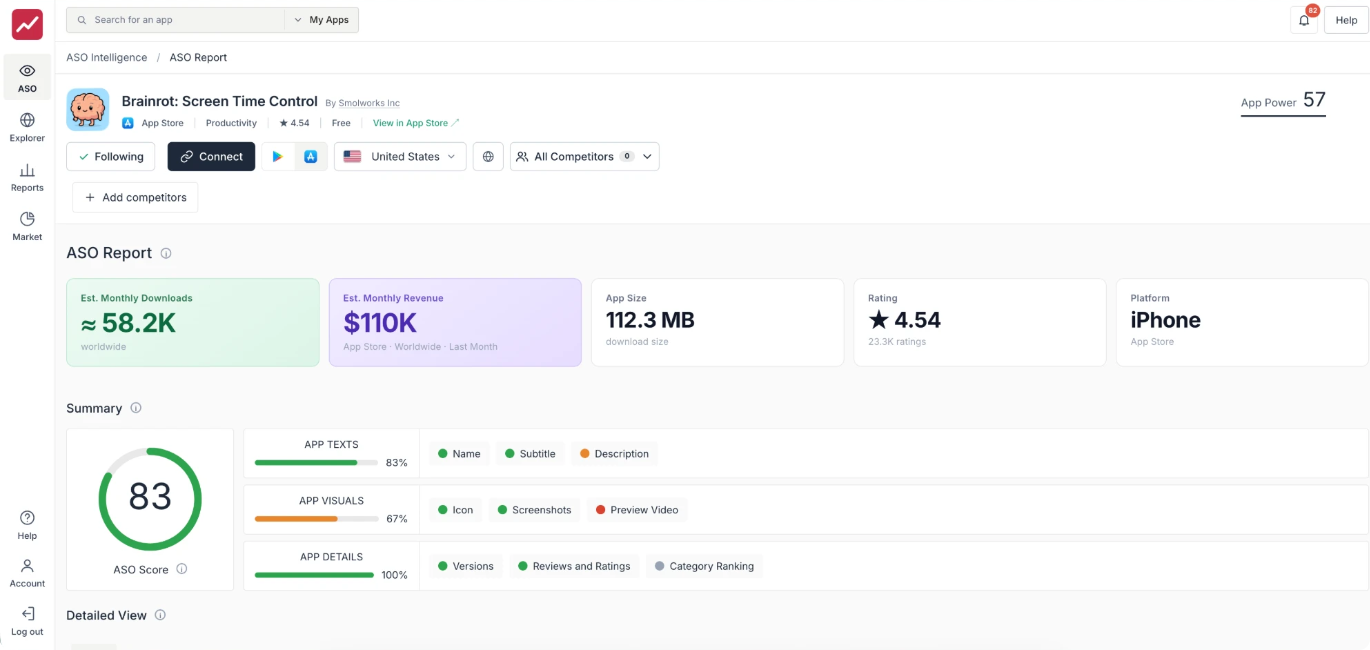
In a few seconds you learn a lot:
- ~58.2K downloads a month. A strong, steady audience for a productivity app.
- ~$110K revenue a month. That's about $1.90 per download, which shows how well its subscription converts.
- ASO score 83. Name and subtitle are strong. The description and preview video are the next easy wins.
That last point is the special part. Most tools stop at the numbers. NextASO shows the numbers and what to improve on the listing.
Why downloads and revenue matter for ASO
1. Pick the right competitors
Not every app in your category is a real rival. Downloads show you who is actually winning, so you study the right listings.
2. Size a niche before you build
Thinking about a new app? Check the top 10 apps in the niche. If several earn well with average ratings, there's room for a better app.
3. Learn what works
When an app's downloads jump, look at what changed: a new title, new screenshots, a feature. Our listing change alerts show you exactly what they updated.
4. Set realistic goals
Knowing what similar apps earn helps you plan your own growth, ads budget and pricing.
Compare many apps at once
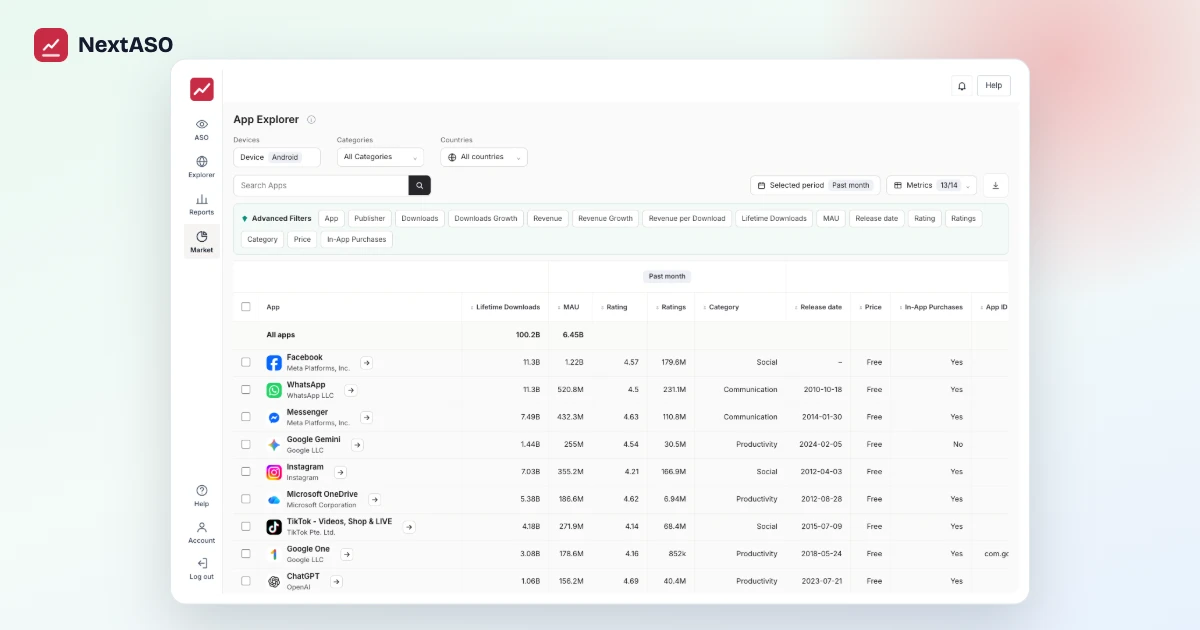
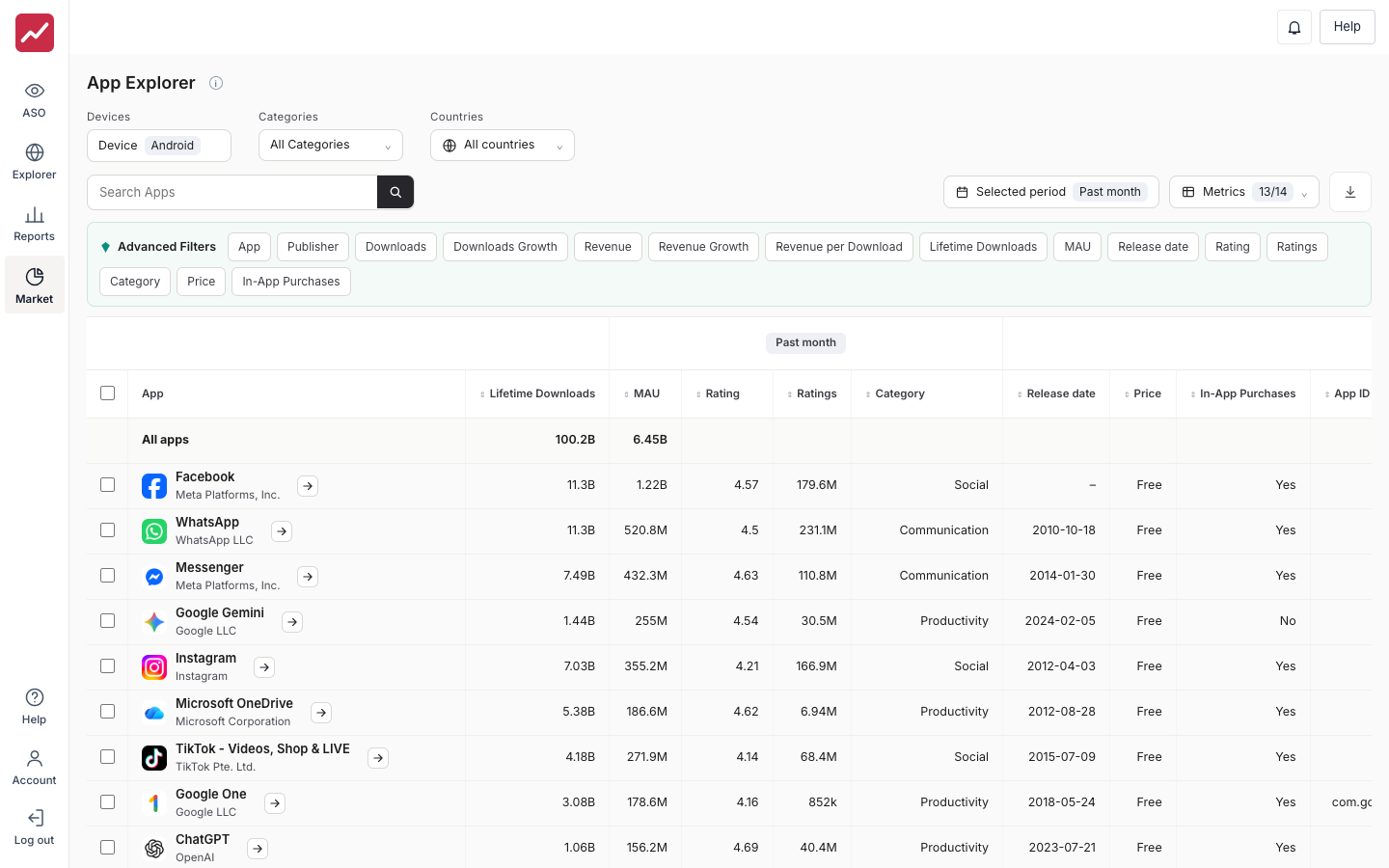
In App Explorer you can sort and filter thousands of apps by downloads, revenue, MAU, rating and category, then export the list.
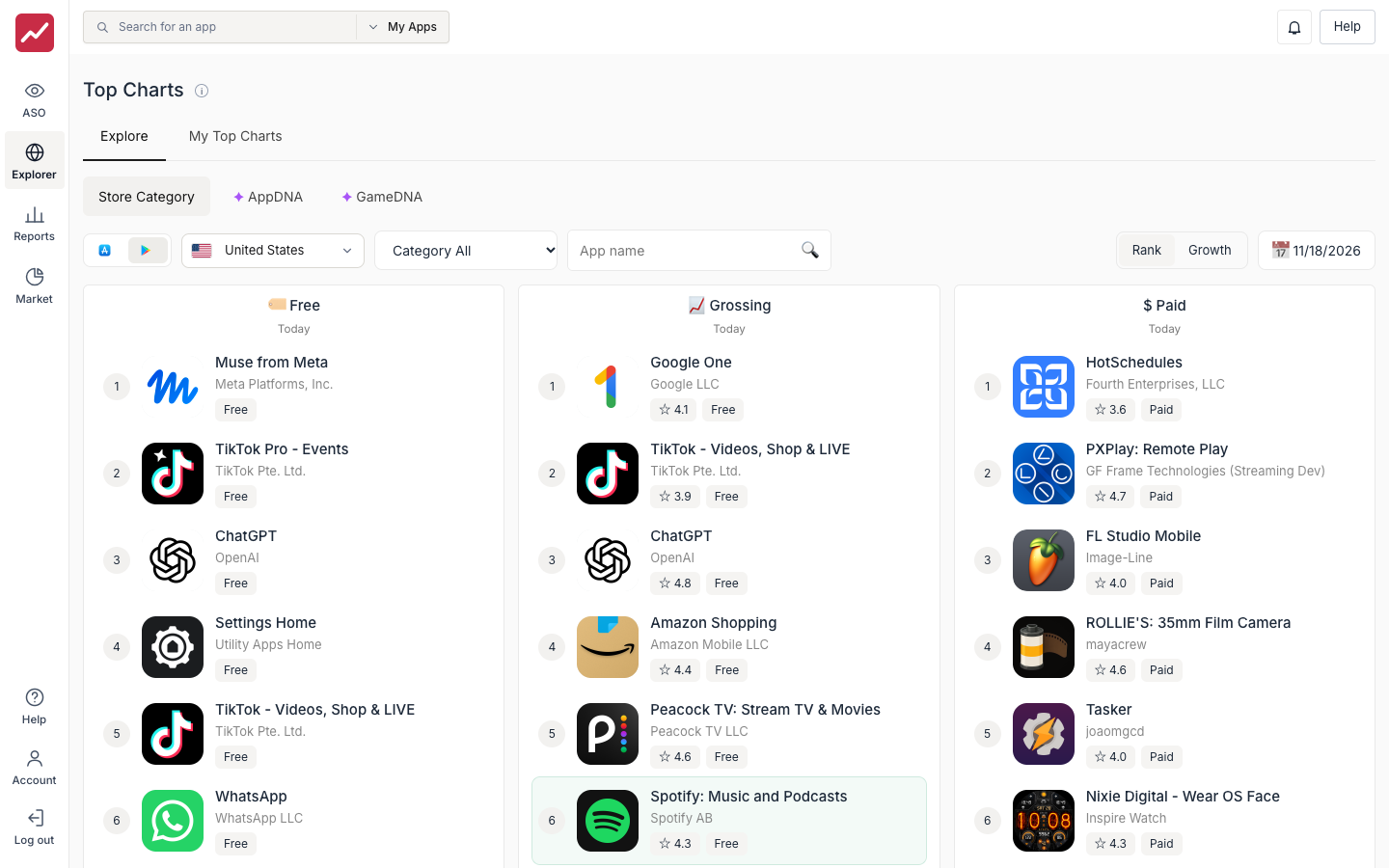
And in Top Charts you can see which apps lead each category today, for free, grossing and paid.
How to use it in 3 steps
- Search any app in the top bar of NextASO.
- Switch to the App Store (the blue A icon) to see the iPhone version.
- Read the downloads, revenue and ASO score at the top of the ASO Report. Add the app as a competitor to keep watching it.
Estimates are modeled from public store signals like rankings, ratings and category data, updated regularly. They're made to compare apps and spot trends, so use them as a guide, together with your own App Store Connect numbers.
Where to go next
- Find keywords for your own app with the free keyword tool
- See where rivals beat you with competitor analysis
- Learn the basics in Google Play vs App Store ASO
Questions people ask
Can I see how many downloads an iPhone app has?
Yes. NextASO shows estimated monthly downloads for any App Store app, worldwide, in the ASO Report and App Explorer.
How does NextASO estimate App Store revenue?
Revenue estimates are modeled from public store signals such as rankings, ratings, category and pricing. They are made for comparing apps and spotting trends.
Does NextASO show Google Play downloads too?
Yes. You can see downloads for Google Play and the App Store, and switch between them on the same app.
Can I compare downloads of several apps?
Yes. App Explorer lets you sort and filter thousands of apps by downloads, revenue, MAU, rating and category, and export the list.
Is there a free trial?
Yes. Every NextASO plan starts with a 7-day free trial, and you can book a free demo.