The quick answer
Apple lets you upload one set per device class and scales it to the other sizes. So most apps need just a few sets:
| Device | Portrait size (px) | Do you need it? |
|---|---|---|
| iPhone 6.3" | 1206 × 2622 or 1179 × 2556 | Yes, your main iPhone set |
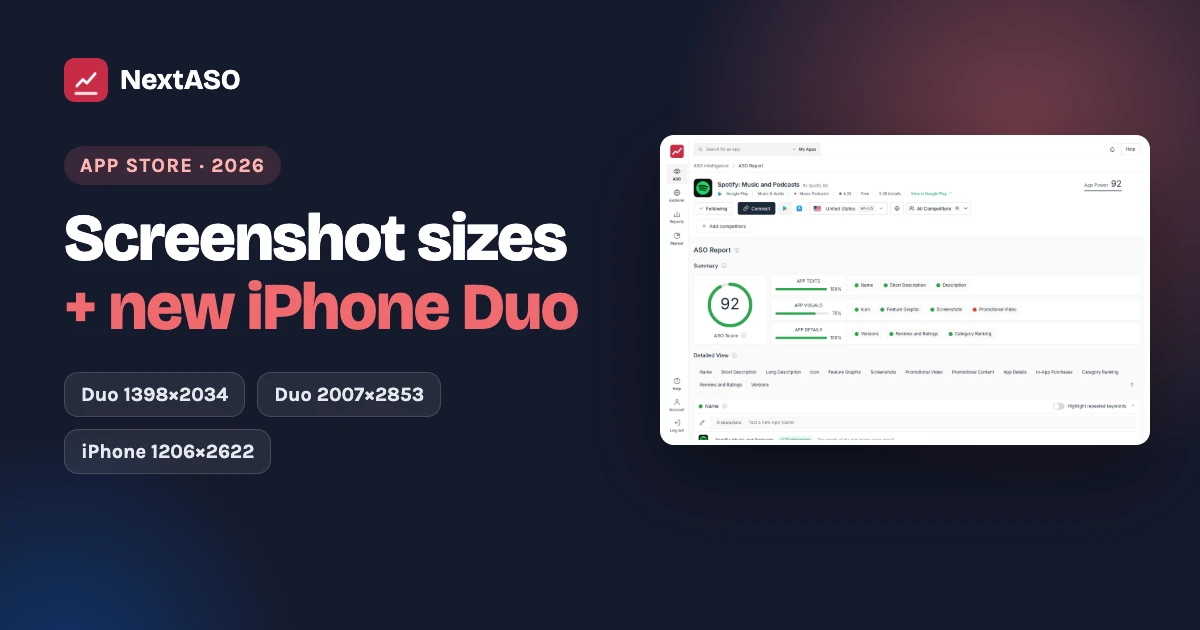
| iPhone Duo, outer screen | 1398 × 2034 | New, required from April 2027 |
| iPhone Duo, inner screen | 2007 × 2853 | New, required from April 2027 |
| iPad 13" | 2064 × 2752 or 2048 × 2732 | Yes, if your app runs on iPad |
For landscape, swap the two numbers (for example 2622 × 1206).
Screenshot sizes for the new iPhone Duo
Apple introduced the iPhone Duo, its first foldable iPhone, in September 2026. It has two screens, and each one has its own screenshot size:
| Duo screen | Portrait | Landscape |
|---|---|---|
| Outer screen (phone closed, 5.4") | 1398 × 2034 | 2034 × 1398 |
| Inner screen (phone open, 7.6") | 2007 × 2853 | 2853 × 2007 |
From April 2027, apps submitted with the iOS 27.1 SDK or later need Duo screenshots. You can already upload them in App Store Connect, and early movers get a head start: Duo owners love apps that look great on the big inner screen.
Tips for great Duo screenshots
- Show the open screen at its best. The inner screen is almost square, so use the extra space: two panels side by side, a bigger chart, or a split view.
- Don't just stretch your iPhone screenshots. A stretched image looks blurry and loses the wow effect.
- Keep captions short. 3 to 6 words per screenshot, with your main keyword in the first one.
All iPhone screenshot sizes
| Display | Portrait (px) | Status |
|---|---|---|
| 6.9" | 1320 × 2868, 1290 × 2796, 1260 × 2736 | Optional |
| 6.5" | 1284 × 2778, 1242 × 2688 | Optional |
| 6.3" | 1206 × 2622, 1179 × 2556 | Main set |
| 6.1" | 1170 × 2532, 1125 × 2436, 1080 × 2340 | Scaled from your main set |
| 5.5" | 1242 × 2208 | Optional |
| 4.7" | 750 × 1334 | Scaled from your main set |
All iPad screenshot sizes
| Display | Portrait (px) | Status |
|---|---|---|
| 13" | 2064 × 2752, 2048 × 2732 | Main iPad set |
| 11" | 1668 × 2420, 1668 × 2388, 1640 × 2360 | Scaled from 13" |
| 10.5" | 1668 × 2224 | Scaled from 13" |
| 9.7" | 1536 × 2048 | Scaled from 13" |
File rules
- 1 to 10 screenshots per device size, per language.
- JPG or PNG. PNG looks sharpest for app screens.
- No transparency. Export PNGs without an alpha channel, or App Store Connect will reject them.
App preview videos
You can add up to 3 preview videos per language, each 15 to 30 seconds, up to 500 MB, at up to 30 fps. iPhone previews use 886 × 1920 (portrait). A preview autoplays in search results, so put your best moment in the first 3 seconds.
Screenshots are an ASO superpower
Apple ranks apps that people download after they search. Your first 2 screenshots show up right in the search results, so they decide most of those downloads.
- Screenshot 1: your main benefit, with your main keyword in the caption.
- Screenshot 2: the feature people search for most.
- Screenshots 3 to 5: proof, like ratings, results or social proof.
Not sure which keywords to put in your captions? Find them with our free keyword tool. Then check your title, subtitle and screenshots in the NextASO ASO report, which scores your app texts and visuals and tells you what to improve next. For more, read Google Play vs App Store ASO and our 10-minute listing audit.
Questions people ask
What screenshot size do I need for the App Store in 2026?
For iPhone, one set at 6.3" (1206 × 2622 or 1179 × 2556 pixels) in portrait. For iPad, one set at 13" (2064 × 2752 or 2048 × 2732) if your app runs on iPad. Apple scales these to the other sizes.
What are the iPhone Duo screenshot sizes?
The outer screen uses 1398 × 2034 pixels in portrait (2034 × 1398 landscape). The inner screen uses 2007 × 2853 pixels in portrait (2853 × 2007 landscape).
When are iPhone Duo screenshots required?
From April 2027, for apps submitted with the iOS 27.1 SDK or later. You can already upload them in App Store Connect.
How many screenshots can I upload to the App Store?
Between 1 and 10 screenshots per device size, per language, in JPG or PNG without transparency.
Do screenshots help App Store ranking?
Yes. Screenshots drive conversion, and Apple ranks apps that people download after searching. Your first 2 screenshots matter most because they show in search results.